Secure every credential
AES-256 encryption, centralized storage, password history and secure retrieval protect the full credential lifecycle.
Explore vaulting →
Enterprise security, without compromise
Centralize, secure, govern and audit privileged access across your entire hybrid infrastructure through one enterprise platform—with complete visibility, control and compliance.

One security plane for every privileged identity
Why PriviSphere
PriviSphere brings credential security, approvals and oversight into a single operational model—so teams move faster without weakening governance.
AES-256 encryption, centralized storage, password history and secure retrieval protect the full credential lifecycle.
Explore vaulting →Multi-level, role-based approvals validate identity, justification and business ownership before release.
See the workflow →Track requester, approver, access time, target system, purpose and session status in one history.
Discover auditing →RBAC, least privilege, separation of duties and time-limited access turn policy into daily control.
View business value →Enterprise features
AES-256 encryption, password history, secure retrieval and centralized storage.
Multi-level workflows, emergency access, automation and business justification.
Granular permissions, least privilege, department roles and delegated administration.
Retrieval logs, user activity tracking, compliance reports and executive views.
Rotation, expiry, complexity policies and managed credential updates.
Time-limited access, one-time retrieval and automatic session expiry.
Live activity, access trends, failed attempts and actionable security insights.
MFA, RBAC and complete auditability supporting ISO 27001 and NIST alignment.
PriviSphere capabilities
Explore how the PriviSphere platform, Password Wallet and Wallet Recovery Console support your credential-management workflows.
Capabilities below are based on PriviSphere’s product brief and tool documentation. Confirm availability, deployment requirements and supported integrations with our team. The Wallet and Recovery Console are companion tools with distinct security boundaries.
On smaller screens, scroll horizontally to read the full table. Keyboard users can focus the table area and use the arrow keys.
| Feature | PriviSphere capability | Your benefit |
|---|---|---|
| Encrypted credential vault | AES-256 encryption, centralized storage, password history and secure retrieval. | Keep privileged credentials in a managed location instead of scattered files. |
| Approval management | Multi-level approvals, emergency access, workflow automation and business justification. | Give access requests a consistent review process and a recorded business purpose. |
| Role-based access control | Granular permissions, least privilege, department roles and delegated administration. | Assign access according to responsibilities and support least-privilege policies. |
| Audit & reporting | Password retrieval logs, user activity records, compliance reports and executive views. | Help teams review credential access and prepare evidence for internal audits. |
| Password lifecycle | Password rotation, expiry, complexity policies and managed credential updates. | Reduce manual effort in maintaining credential policies and updates. |
| Time-bound privileged access | Time-limited access, one-time retrieval and temporary privileged access, as described in the product brief. | Limit the period for which approved privileged access is available. |
| Dashboard & analytics | Live activity, access trends, failed attempts and security insights. | Give administrators visibility into activity and access patterns. |
| Security & compliance support | MFA, RBAC and audit records to support governance. Framework alignment is not certification. | Support security reviews and internal governance with access controls and records. |
| Hybrid infrastructure | Windows, Linux, UNIX, directory services, cloud, databases, virtualization and network devices; confirm target integrations for your deployment. | Manage supported target environments through a common privileged-access platform. |
| Local Windows password wallet | PriviSphere Password Wallet: a local encrypted file unlocked with the user’s master password. | Keep approved working credentials in an encrypted local file rather than temporary notes. |
| Wallet productivity tools | Searchable entries, password generation, and username/password copy actions. | Find and use saved credentials with fewer manual steps. |
| Wallet exposure controls | Adjustable clipboard clearing, password reveal auto-hide and inactivity lock. | Reduce the time copied or revealed credentials remain exposed. |
| Security-admin wallet recovery | Wallet Recovery Console: separate admin tool for eligible enterprise entries; requires a previously configured recovery envelope and matching private key. | Support approved business-continuity procedures when a wallet owner is unavailable. |
| Personal-entry boundary & recovery output | Personal local entries are excluded from enterprise recovery. Save encrypted recovery output with approval-reference metadata. | Keep personal entries outside enterprise recovery and protect recovery output. |
Platform coverage
Connect privileged access across the infrastructure your business depends on.
PriviSphere Password Wallet
A local-first Windows companion for user-owned and approved vault credentials. Replace temporary notes with an encrypted wallet that you unlock using your own master password.
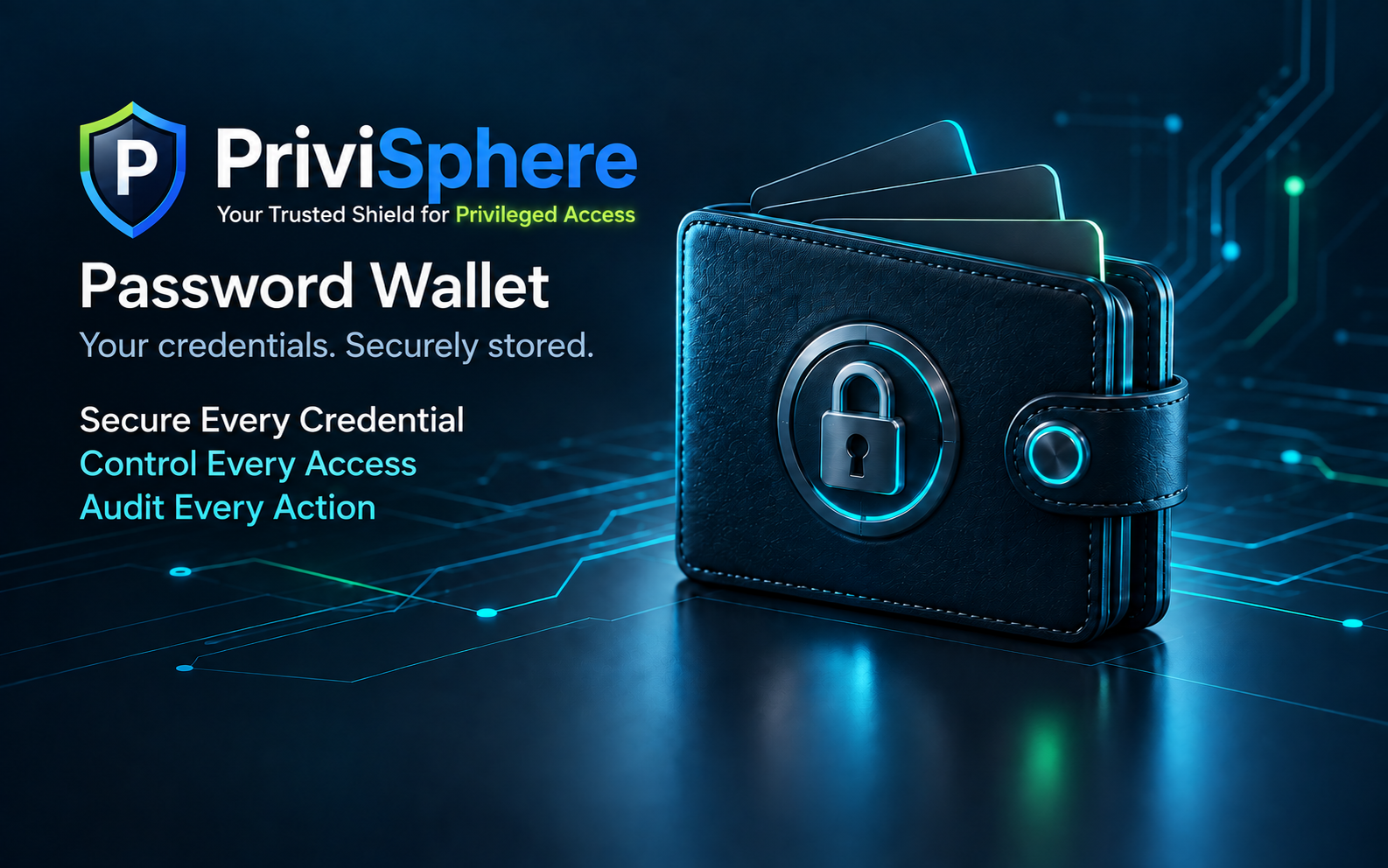
The wallet is a companion to the enterprise vault, not a replacement for centralized approval and audit controls. Without a configured enterprise recovery envelope, the security team cannot recover wallet entries.
Request a wallet demoPriviSphere Password Recovery
The PriviSphere Wallet Recovery Console is a separate admin-only tool for recovering eligible enterprise-vault credentials from an unavailable user’s wallet during approved leaver, emergency or business-continuity procedures.
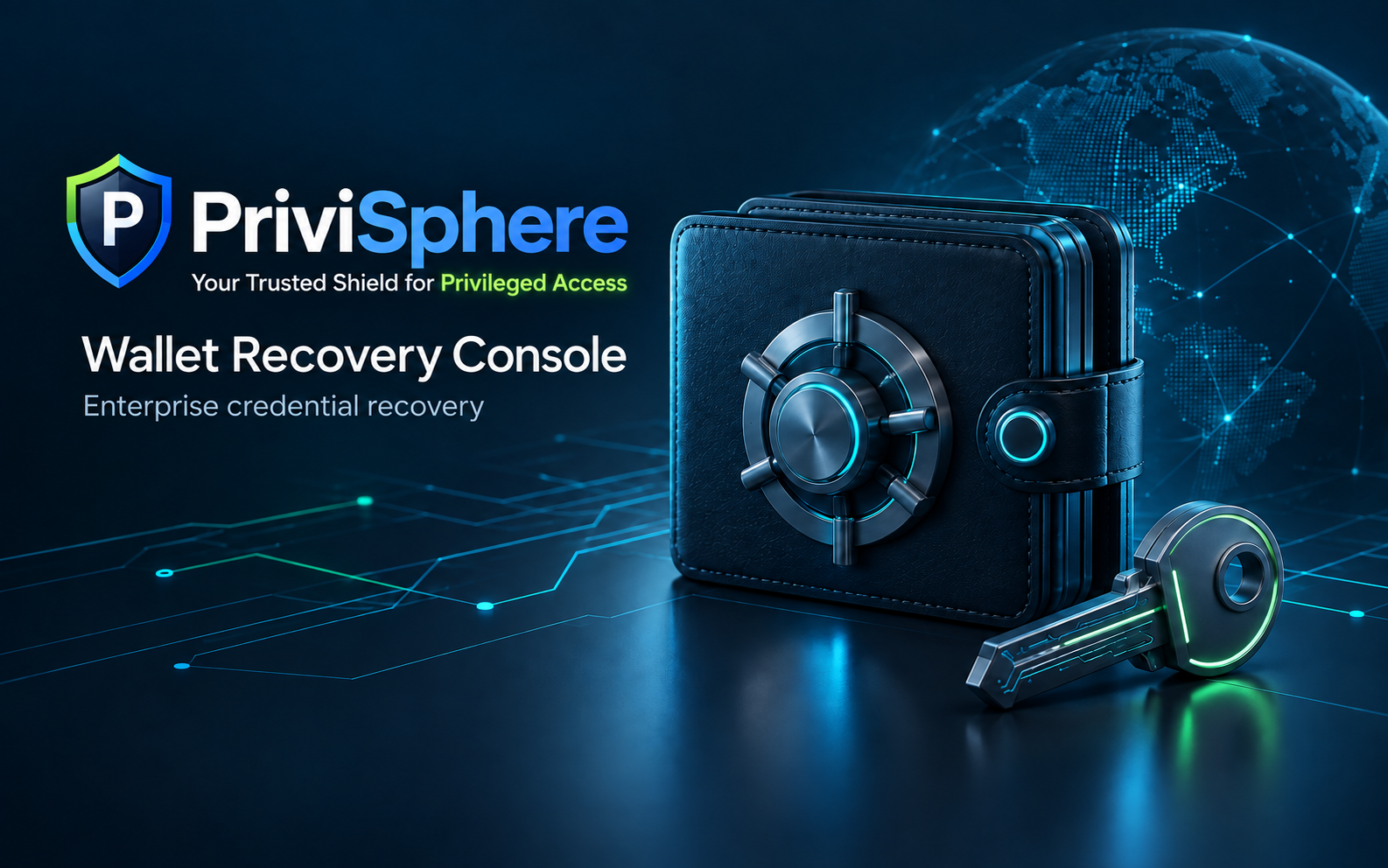
Important: This is not a password-cracking or master-password reset tool. Approval and private-key release are governed by your organization’s process outside the console; the console does not enforce dual approval.
Discuss recovery requirementsApproval workflow
Every request follows a clear, enforceable path—from business justification to a complete audit record.
MFA, role verification and business justification establish identity and need.
Manager, application, infrastructure or security owners authorize access.
AES-256 protected credentials are retrieved without email or chat exposure.
Credentials are injected securely and access expires automatically.
Requester, approver, purpose, system, time and status remain traceable.
Business value
Stronger controls should reduce friction—not create it. PriviSphere turns privileged access into an operational advantage.
Build your business case →Minimize credential exposure and unauthorized access.
Standardize requests, approvals and credential handling.
Turn security policies into repeatable, measurable controls.
Give teams visibility without slowing essential work.
Enterprise security & compliance
Protect privileged identities while supporting security governance, audit readiness and regulatory alignment.
Start the conversation
See how PriviSphere can secure privileged identities across your hybrid infrastructure.
FourTechPal Pte Ltd